Rewind time on your deleted photos & files
Recover lost photos, videos and documents on your Android™ device with FileRewind: Photo & File Recovery.
▶ Get it on Google PlayYou consent to install FileRewind: Photo & File Recovery from the Google Play™ Store by clicking the button above. You also consent to this app's Privacy Policy.
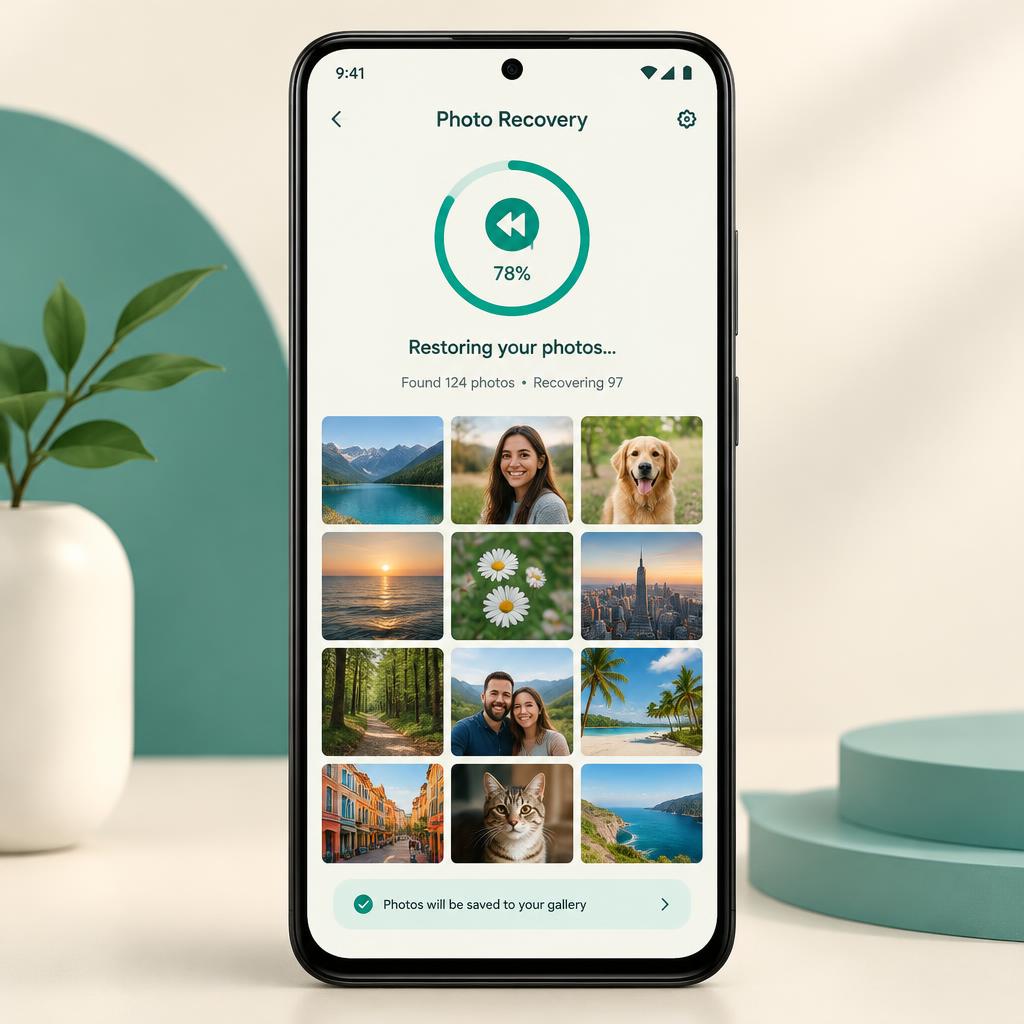
All-in-one recovery toolkit
Photo recovery
Scan storage for deleted or lost photos and preview them before restoring.
Video recovery
Find recently removed video clips and bring them back to your gallery.
File & document recovery
Locate lost documents, audio files and other file types on your device.
Recover what matters, quickly
Deep scan
FileRewind searches accessible storage locations for recoverable items, so you can find files you thought were gone.
Fast preview
See thumbnails of recoverable photos instantly and choose exactly what to restore.
On-device processing
Scanning and recovery happen on your phone. Your files are not uploaded to our servers.
Frequently Asked Questions
Can FileRewind recover every deleted file?
Recovery depends on whether the data has been overwritten. The sooner you scan after deletion, the better your chances.
Why does the app need storage permission?
Storage or media access is required to scan your device for recoverable photos and files. Without it, recovery features cannot work.
Are my files uploaded anywhere?
No. Scanning and recovery are performed locally on your device.
Is FileRewind free?
Yes, the app is free to use and supported by advertisements.
How do I uninstall the app?
Follow the steps in our Uninstall Guide.